Tools for people who
show their work.
Oexta builds focused Windows apps that help you show your work clearly — fast, private, and free of ads.
RipFrame
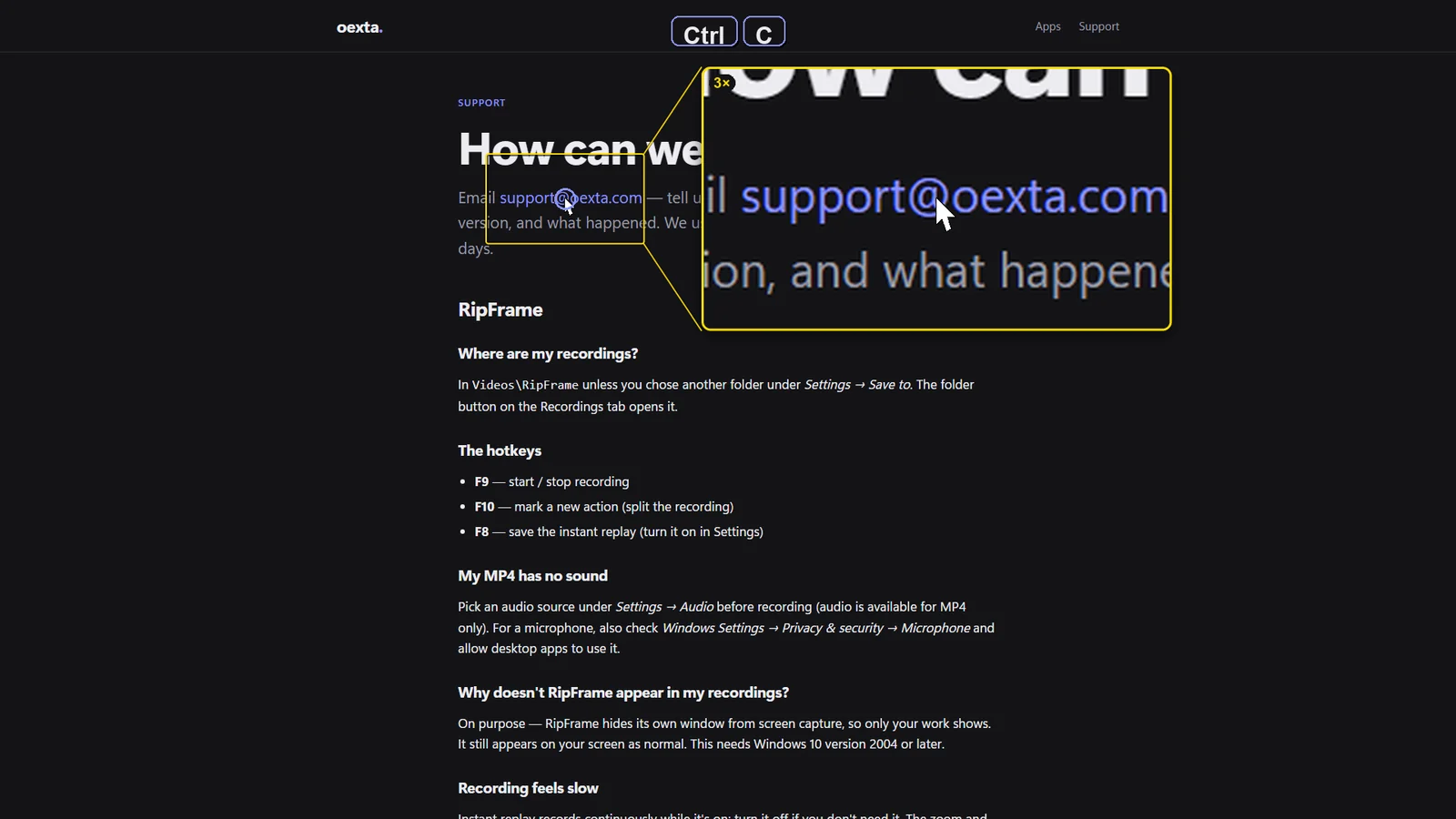
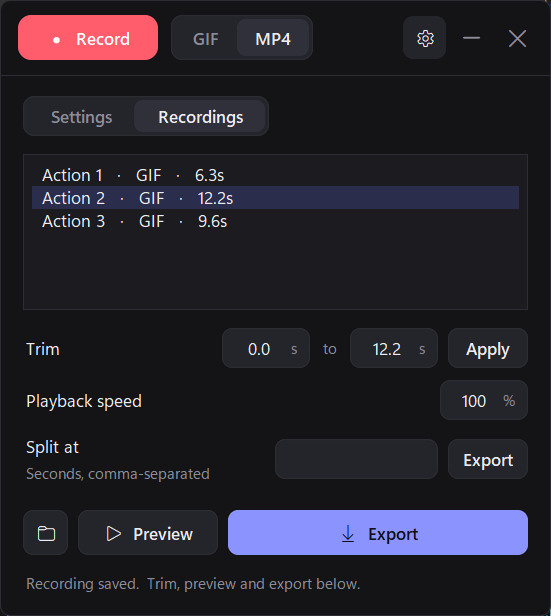
Capture every frame of your screen as a GIF or MP4 — with a zoom lens that follows your cursor, click ripples and on-screen keys, so viewers see exactly what you did.
- GIF or 1080p MP4, with system sound or your microphone
- Instant replay — press F8 to save the last 30 seconds
- One-key bug reports with video, screenshot and steps
- Stays out of its own recordings — only your work shows
Explore RipFrame
Coming soon to Microsoft Store
How we build
Made to respect your work
Private by design
Our apps work offline. Recordings and settings stay on your PC — nothing is uploaded.
No ads, no tracking
No banners, no analytics, no selling your attention. Just the tool.
Fast and native
Built for Windows, sharp on high-resolution displays, light on your PC.